
Bring your own film.
Already recorded the match? Upload video from your camera, phone, tablet or another recording app. SideOut recording and live stat tracking are optional.
COACH AI · RECORD & UPLOAD
Bring the film you already have—from your phone, tablet, camera or another recording app. You don’t have to record in SideOut or track stats live to use Coach AI.
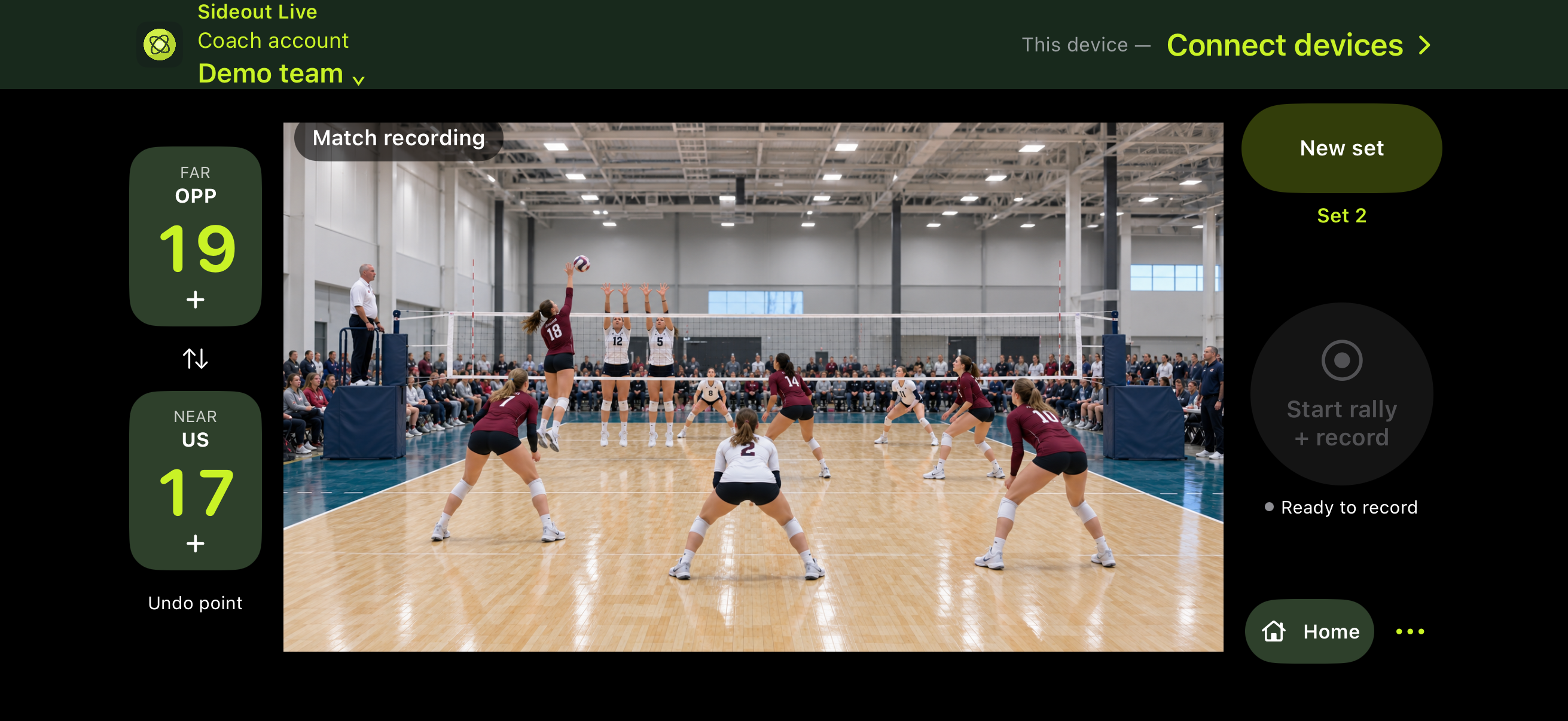
Record in SideOut? Your video stays with you. Footage is saved on the phone or tablet you use to record. Upload it when you’re ready for analysis.
Record only in SideOut, or use your phone/iPad to track stats while you record. With Coach AI, linked coach-marked data adds context for analysis and comparison: review possible missed actions and suggested corrections, then confirm the changes you want to keep.
AI analysis requires the appropriate plan and processing allowance. Public subscriptions are coming soon.
YOUR REVIEW MAKES IT YOURS
Already recorded the match? Upload video from your camera, phone, tablet or another recording app. SideOut recording and live stat tracking are optional.
Use SideOut as your camera without keeping stats. Your footage stays on the recording device until you choose to upload it for analysis.
Use the phone/iPad stat tools too. Linked coach-marked actions give Coach AI additional context to compare with the footage and flag possible corrections for review. You confirm the final actions; AI suggestions do not silently replace your confirmed stats.
Coach AI is coming soon. Pricing and processing allowances will be announced before purchasing opens.
Prefer live game stats? Explore the connected-device workflow →